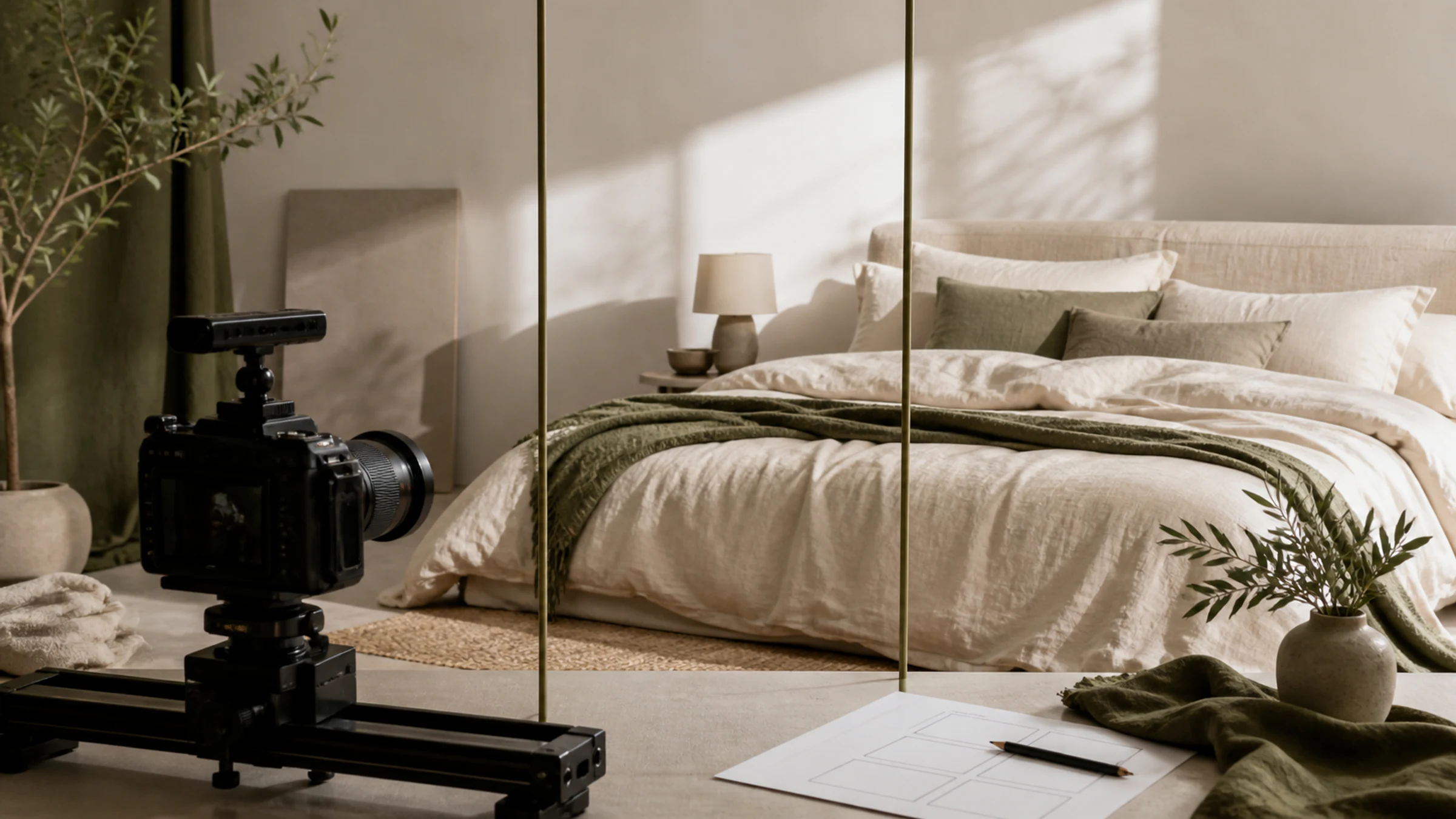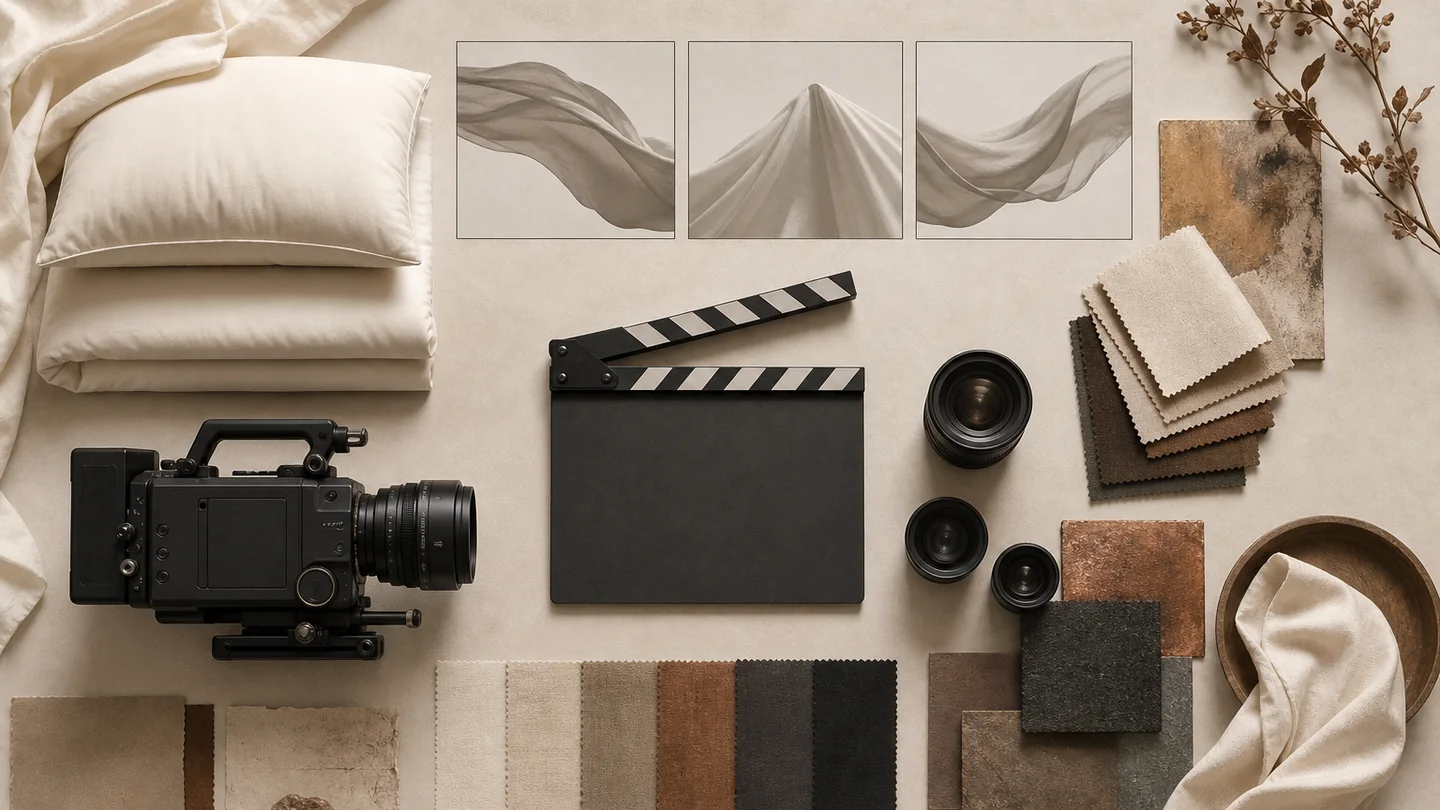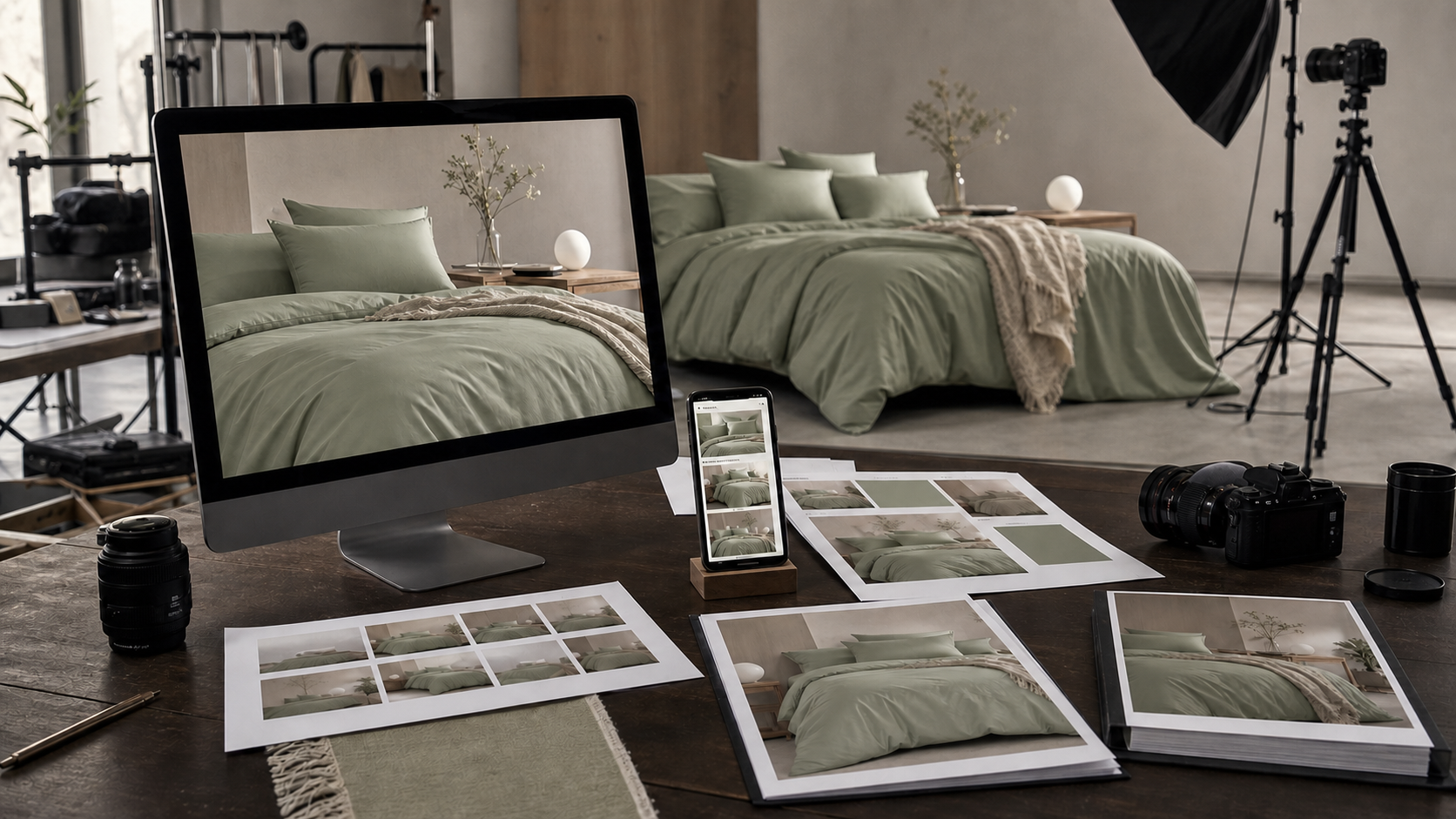

A video cover should do more than suggest atmosphere. The product, pattern or distinguishing construction should be recognizable at the size viewers see it, while any title area remains usable without hiding the sale item.
Decide the cover source before the shoot ends. A frame from the footage may be sufficient, but motion blur, a transitional pose or a crop designed for another placement can make a dedicated still more useful. Keep the cover tied to the same SKU, color and product state as the video.
Choose the cover source by the release task
Review the actual footage and intended placements instead of assuming that the first frame should be the cover. The source decision should consider product recognition, sharpness, title space, crop resilience and whether the frame shows an approved product state.
| Cover source | Use when | Evidence to review | Do not use when |
|---|---|---|---|
| Extracted video frame | A sharp frame already shows the correct product and useful composition | Timecode, video version, SKU and intended crops | Motion blur, transition, hidden components or an unapproved product state weakens the message |
| Dedicated still during the shoot | The video action does not create a clear title-safe product view | Shot ID, matching setup and product record | The still changes the product, color, props or sale contents shown in the video |
| Existing product photograph | An approved asset accurately matches the video subject and placement | Source filename, SKU, color and usage approval | The image represents another variant, older package or different included pieces |
| Controlled composite or title layout | Approved text and graphics need a separate design layer | Clean master, copy source, layout version and approver | The composite invents product features or hides an important difference |
Make product recognition survive the final crop
Keep the defining pattern, form or construction visible in the smallest intended preview. Plan portrait, landscape or square adaptations from the actual placements, but do not assume one crop works everywhere. A crop that removes a border, label or included component can change what the image communicates.
Leave title space where it does not cover the product's important edges or pattern. Review a text-free master and each approved title version separately so later language changes do not require rebuilding the photograph.
- Correct SKU, color and product state
- Recognizable subject at preview size
- Required crops reviewed from the same approved source
- Text-free master retained
- Title wording supplied and approved by the brand
Keep the cover and video claims aligned
The cover may introduce a product action or setting, but it does not prove material, comfort, performance or another outcome. Any wording placed on the cover should come from approved product information and should match what the linked video and listing actually show.
Do not use an AI concept or visual reference as the sale-product cover unless its role is clearly disclosed and appropriate for the placement. A concept can guide the shoot without becoming evidence of a physical product or completed client project.
Release the cover with a placement manifest
Record the source file, video version, SKU, color, placement, crop, title version and status for each delivered cover. The publishing owner should check the current channel interface before upload because requirements can change by placement, account and time.
A visually approved cover is ready only for the named use. It does not guarantee platform acceptance, distribution, clicks or sales, and approval of one crop should not silently release every derivative.