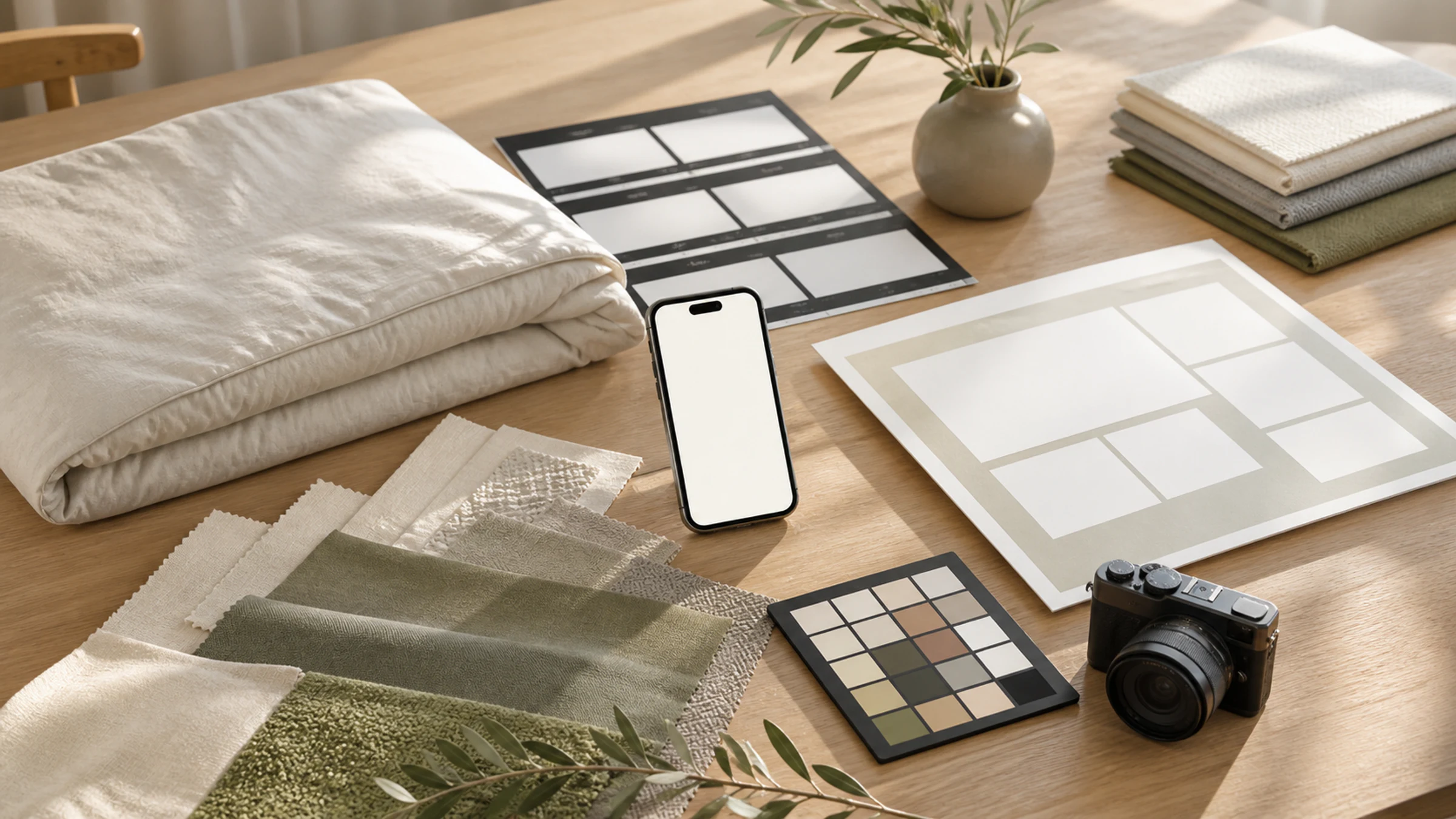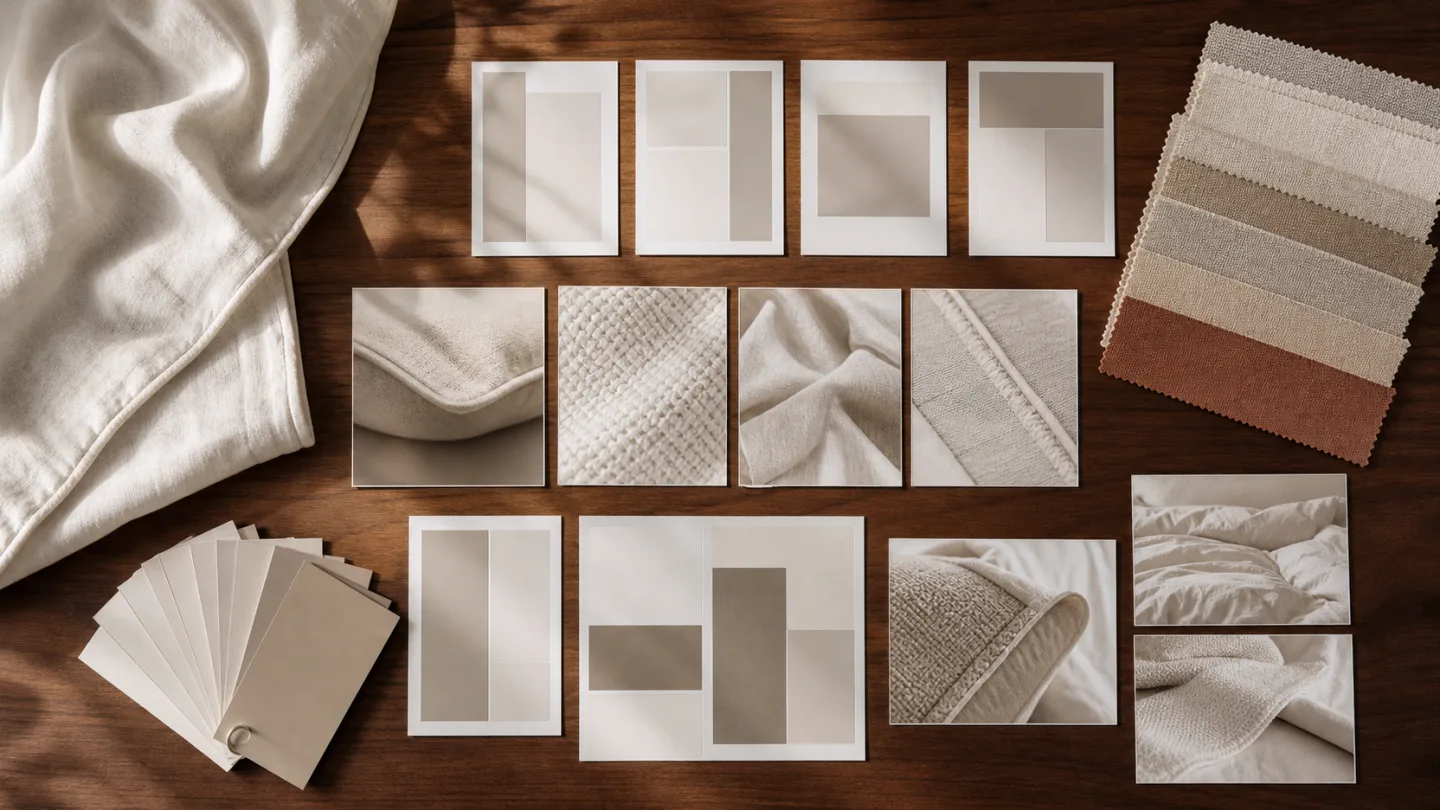
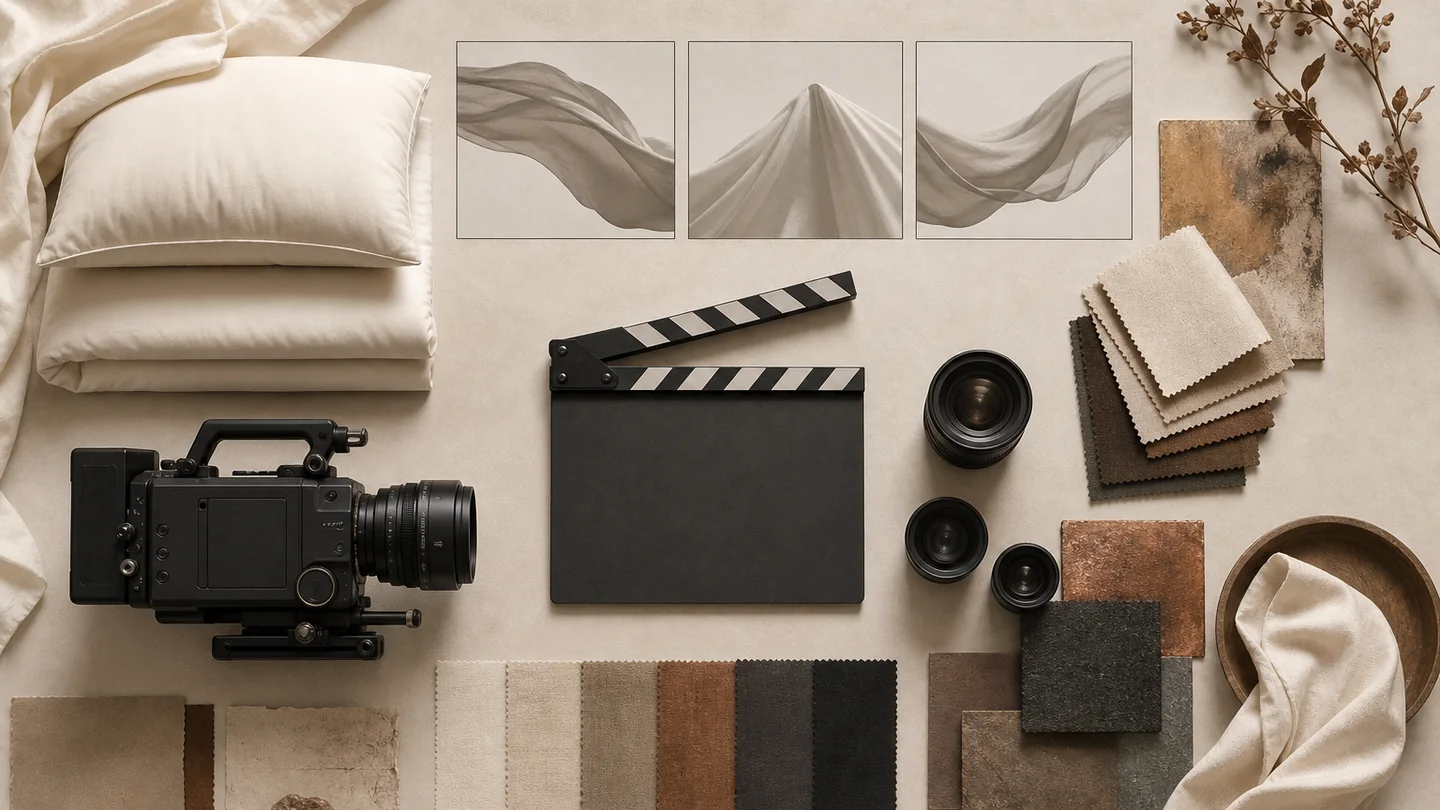
Before filming, confirm the audience, platform, key product information, actions, aspect ratios, caption space, sound and delivery versions. International listings, livestreams and China-market channels such as Douyin serve different contexts; do not assume the same edit works in each.
You do not always need a complex script. You do need a shot list that connects the product, setting, action, text and sound to one clear purpose.
Write the task in one sentence
Complete this sentence: this video is for this audience, on this channel, to show this product feature and help the viewer understand or do this. Treat it as a selection rule for shots, not an advertising slogan.
If the footage will serve product pages, livestreams, social video and brand content, label each intended use. Framing, pacing, captions and endings may differ. Confirm current requirements with the brand and the relevant publishing account.
- Audience and intended channels
- Main communication task
- One to three priority product facts
- Portrait, landscape or other framing
- Requested durations and versions
- Captions, narration, music or natural sound
- Models, hands or product-only shots
- Closing information and next step
Translate claims into visible actions
Soft, premium and comfortable are directions, not shootable instructions. Decide whether the idea needs a texture close-up, natural drape, a hand smoothing the fabric, changing light, a component grouping or a view of the product in use.
Use approved information for fiber, construction, function and performance wording. Footage can explain visible behavior; it cannot replace testing or substantiate an unverified product claim.
Connect the opening, demonstration and closing shots
A basic sequence may include recognition, a full-product view, spreading or arranging the textile, key details, use context and a closing frame. Record shot size, subject, action, intended placement and caption space for each.
The sequence need not follow a fixed formula. An explanatory video can be direct; atmospheric content can give the scene more time. In both cases, viewers should still understand the product.
If a product-page video is intended to loop, decide whether the final product state can return naturally to the opening state. A hand unfolding a towel or opening a closure may leave a visibly different arrangement; reversing the clip can make the action look unnatural or suggest behavior not demonstrated. Plan a separate neutral ending, a deliberate cut or a fresh matching setup rather than assuming any take can become a seamless loop. Ask the publishing team to preview the repeat in its intended player, including the join and cover frame. Looping, sound and playback behavior depend on that implementation, not just the exported video.
- Opening: recognizable product or setting
- Full view: components, pattern and room relationship
- Actions: spreading, folding, smoothing or changing components
- Details: texture, stitching, edges and parts
- Context: light, everyday movement or room transition
- Close: product reminder, brand information or inquiry route
- Coverage: alternate angles, speeds and crop space
Check whether the sample can perform the action
Continuous motion makes creases, marks, loose threads, missing parts and shifting components harder to hide than in a single photograph. Check both sides, closures and how the product behaves during spreading, folding, touching and close-up movement.
For hands or models, confirm natural actions, suitable clothing and agreed use of the person’s image. Do not add a person simply because the format is a short video.
Coordinate still photography and moving images
A combined project can share product identifiers, setting colors, props and product priorities while using separate plans for still compositions and continuous actions. That helps the listing, social content and layouts feel connected.
A still-camera position is not automatically a workable video setup. Plan movement paths, continuity, camera access and caption space separately, and give video tasks an explicit place in the shooting schedule.
Agree sound, permissions and delivery scope
Before production, identify the source and intended use of music, fonts, brand graphics, people, third-party packaging and other material. A reference video explains direction; it does not grant permission to copy its soundtrack, wording or distinctive execution.
Confirm finished-video count, aspect ratios, resolution, formats, caption versions, raw-footage requirements, review stages and revision boundaries in writing. These differ by project and are not fixed inclusions inferred from this guide.
- Approved logos, fonts and copy
- Confirmed product information
- Music and sound sources
- Permissions for people, locations and third-party elements
- Finished-video and footage specifications
- Captioned and clean versions
- A named feedback coordinator
- Revision and delivery scope
Put this guide into a production plan
Confirm the actual scope from your samples, channels and accuracy requirements; these services are not automatically bundled.
Sources and further reading
These sources provide context for the claims or channel requirements discussed here. Review current requirements alongside your product information and project agreement.
- Douyin Open Platform: sharing and publishing content ↗Official documentation on publishing capabilities, applications, authorization and supported scenarios. It does not establish a reach guarantee or identical requirements for other platforms.