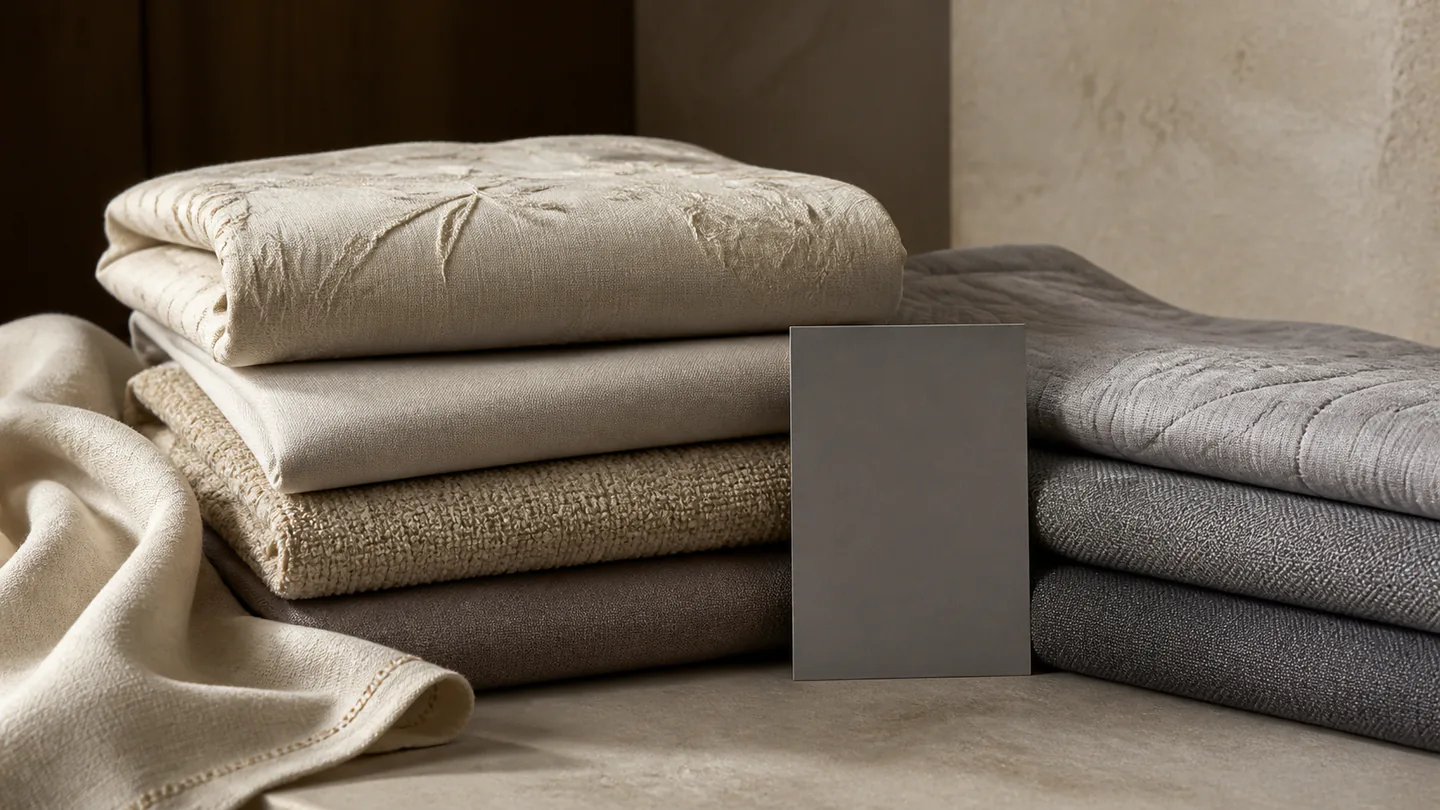

When color, pattern, fabric or construction changes, the images need to remain traceable to the actual sample and style code. A shared collection name is not enough to establish interchangeability.
Build the variant map before capture. It should show which physical samples exist, which views each color needs, which files may be shared and who can approve a customer-facing asset. This prevents a convenient detail or digital recolor from silently becoming evidence for another product.
Decide what evidence each variant needs
Start with the visible difference, not the collection name. A new color can change highlight and shadow behavior; a new pattern can change crop and repeat; a changed label, closure or border can make a shared close-up inaccurate even when the base fabric looks similar.
Use the ledger to decide whether a view needs a physical sample, can be reused from an identified source SKU or may be produced as a clearly controlled derivative for a limited planning purpose.
| Variant change | Evidence to record | Asset decision | Release condition |
|---|---|---|---|
| Physical color changes | Labelled sample, approved color name and source-photo ID | Photograph the physical color for color-dependent views | The filename and product record identify the same colorway |
| Pattern or placement changes | Full repeat, orientation and the exact patterned sample | Create complete and detail views from that sample | The crop does not hide a meaningful pattern difference |
| Only an approved size changes | SKU relationship and confirmation that visible construction is unchanged | Reuse only views that remain accurate; create size information separately | The responsible product owner records which files are shared |
| Label, seam, trim or component changes | Current sample and a list of affected details | Replace every detail view that would show the difference | No detail from another SKU is presented as the current variant |
| Temporary visual simulation | Source image, requested change, purpose and disclosure | Keep as a controlled derivative rather than a physical product photograph | It is not released as evidence of an unphotographed sale product |
Capture comparable views without forcing identical treatment
Use comparable camera position, arrangement and lighting for views intended to help buyers compare variants. Then make the adjustments the physical sample needs: a dark weave may require different exposure handling from a pale reflective finish. Consistency means comparable information, not identical settings at the expense of visible detail.
Keep a physical reference and record the proof files reviewed by the buyer or brand. Color-managed files can support a defined workflow, but displays and viewing conditions vary; a screen image should not be treated as a universal physical color approval.
- Sample ID, SKU and approved color name stay together
- Comparable views use the same information task
- Exposure or retouching changes are reviewed per physical sample
- Pattern, construction and label details come from the correct variant
- Proof and final filenames retain a source-to-variant mapping
Separate shared captures from variant-specific facts
A room composition or construction view may be reusable only when it accurately represents the named variants and the responsible product owner confirms the relationship. Dimensions, composition, care, performance and market statements come from approved product records, not from similarity between photographs.
When reuse is allowed, record the source SKU, destination SKUs, shared view and approving owner. When it is not allowed, mark the missing view in the shot list instead of copying the closest-looking asset.
Release variants through a file manifest
The delivery manifest should connect each filename to its SKU, color, view, source type and status. Use statuses such as physical sample photograph, approved shared view, controlled derivative or held for correction. Avoid a single generic filename that depends on folder context to identify the variant.
Before publication, compare the file, product selection and visible page label together. Hold the asset when a mismatch remains; visual approval of a composition does not approve the product facts or prove that later production matches the photographed sample.
Withdraw shared assets when a variant record changes
A reuse approval needs maintenance after release. Trace an altered SKU back to shared source files and onward to page versions; retire only the affected assets and record the product owner’s decision before rebuilding them.
| Update discovered | Trace the reuse | Contain the mismatch | Restore with |
|---|---|---|---|
| One SKU gains different trim | Source detail ID and all SKUs sharing it | Remove that shared detail from the changed SKU | Current detail capture and revised reuse mapping |
| A color name was assigned wrongly | Physical sample ID, filename and selected page variant | Hold affected files and correct the identity record | Product-owner confirmation and versioned filenames |
| A shared master is replaced | Every crop, layout and catalog page using that source | Mark old derivatives retired; rebuild affected versions | New source ID and current derivative manifest |
| A planning recolor enters a listing | Derivative source, status and publication destination | Withdraw it as physical color evidence | Identified physical-variant imagery and accurate method status |
Sources and further reading
These sources provide context for the claims or channel requirements discussed here. Review current requirements alongside your product information and project agreement.
- International Color Consortium: frequently asked questions ↗Official ICC background on color management. A managed workflow supports controlled handling but does not turn a photograph into a universal physical color standard.