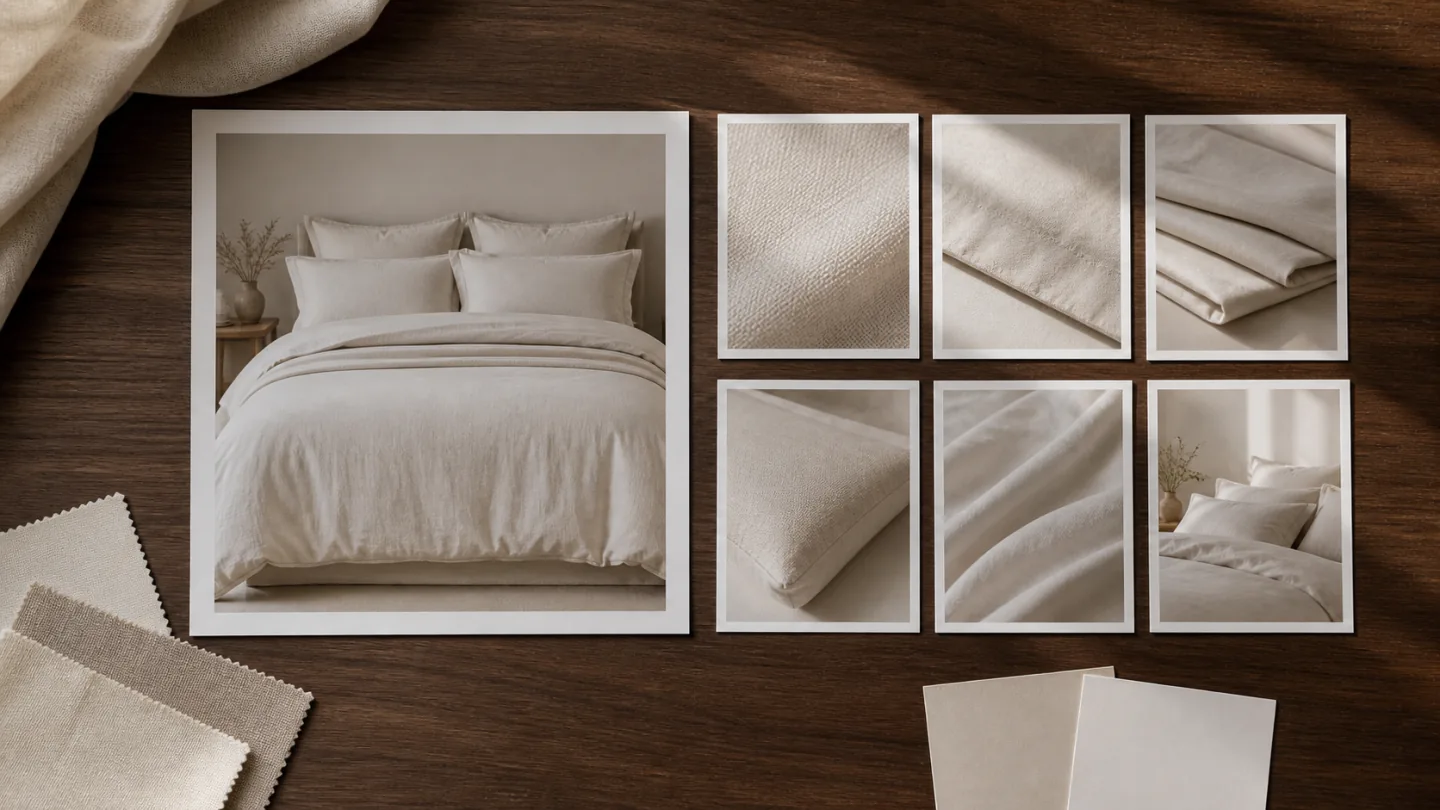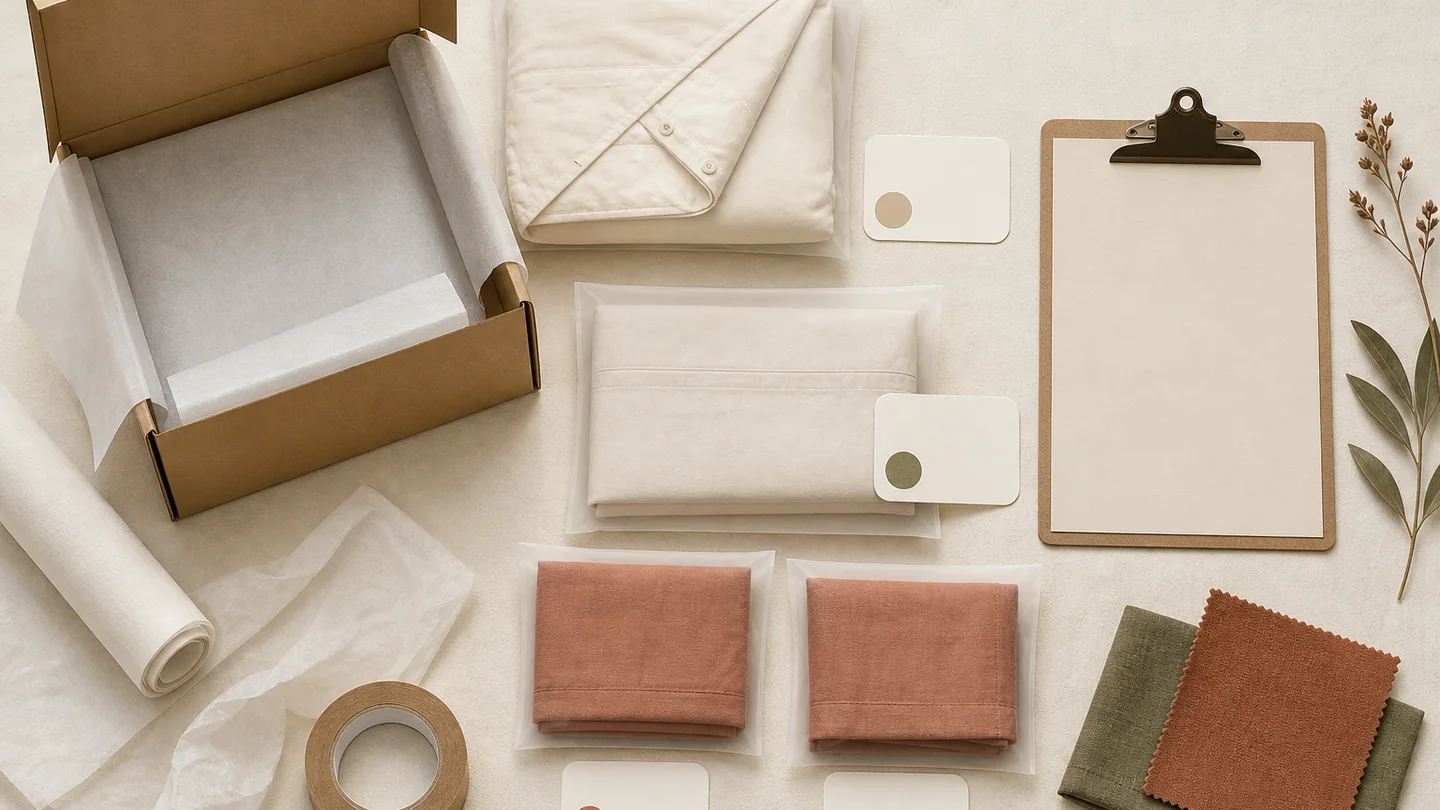
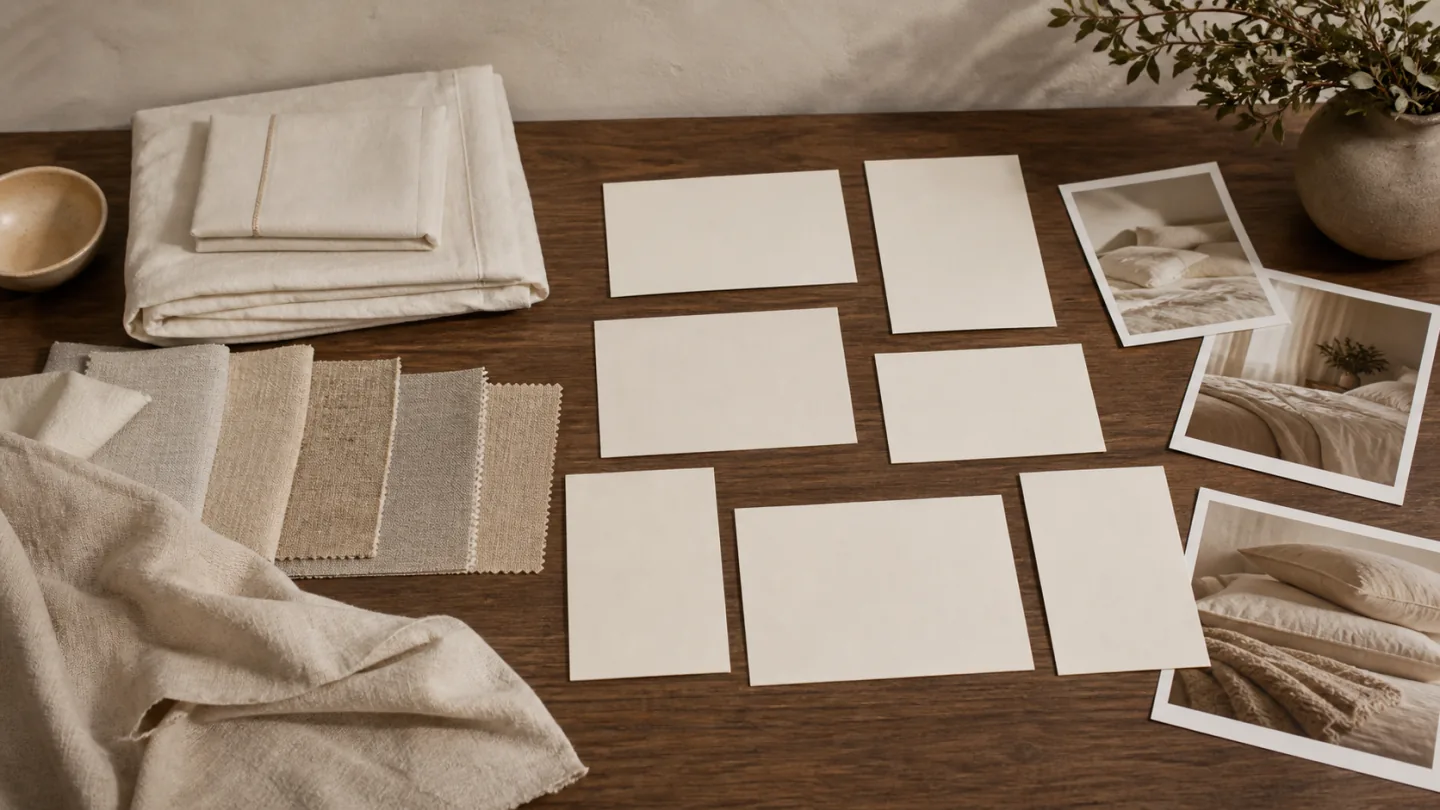
For an overseas brand sourcing textiles in China, a storefront launch asset checklist defines what must be photographed while samples are available and how those assets will reach the publishing team. Start with the sale unit, sample version, product facts and actual page placements, rather than a target photo count.
Old Money Visual prepares the agreed textile images, visual modules, scenes and video. The brand or appointed website partner provides template requirements and handles implementation and final publication; the checklist below makes that handoff reviewable.
Define the information before choosing the style
Begin with four questions: which products are launching, who they are for, where buyers will encounter them and what each position must explain. Then choose settings, colors, props, people, shots and layouts.
Starting with a premium or relaxed look can produce a consistent style while leaving out the full view, components, details or specifications. The style and information plan need to work together.
- Products, style codes, colors and components
- Lead products and supporting priorities
- Audience and likely use
- Tasks for listing, page, video and other channels
- Important differences between products
- Approved fiber, construction and specification facts
- Brand visual elements to retain or adjust
- Questions still requiring brand approval
Group products where the work can be shared
Group by collection, palette, pattern density, fabric appearance, established price tier or use, using actual product facts. Give each group a primary visual purpose, such as showing a pattern, explaining construction or establishing a coordinated collection.
Identify shared settings and camera positions, then separate items whose reflectivity, size, structure or color needs different treatment. Shared rules can make the collection coherent without forcing identical images.
A lead product may introduce the range, but the remaining products still need their own required full views, components and details. A collection hero is not a substitute for accurate item information.
Map the path from first impression to product detail
For a Shopify or other brand-owned storefront, separate the collection or homepage hero, product gallery, PDP detail modules and video placement. Give each position a task: collection context, sale-unit recognition, fabric or construction evidence, component confirmation or product use. Ask the website team to supply the actual desktop and mobile placement references.
The map helps determine landscape, portrait, square and text-safe compositions. Confirm current size, text and element requirements for each actual channel.
- Entry image: recognize the product and collection
- Opening section: complete appearance and key difference
- Middle: use, fabric, construction and components
- Later detail: specifications and instructions
- Video: recognition, action, detail and closing shot
- Social content: dedicated cover, portrait framing and title space
- Catalog or trade use: collection groupings and layout versions
Translate page tasks into photography and design lists
Components need a complete or grouped view; surface behavior needs suitable close-up lighting; a lifestyle idea needs a setting, props and possibly an action. Some facts are better handled with a specification layout than with another photograph.
For each deliverable, connect the SKU and sample version to its page role, required ratio, crop-safe area, approved copy and review owner. Keep a clean source image distinct from a version with text or graphics, and agree file formats with the receiving website team instead of assuming a universal storefront size.
For agreed product galleries and detail modules, see our Shopify PDP and ecommerce product image service; broader launch production is defined separately.
- Collection hero and full view of each product
- Room, clean-product and necessary white-background views
- Fabric, construction, edge and component details
- Landscape, portrait, square and text-safe framing
- Video actions, cover and supporting footage
- Approved size, material, construction and care information
- Naming and color-version rules
- Photography, design and brand reviewers
Keep a common visual direction with room for channel differences
A collection can share lighting logic, palette, background materials and prop principles. Check the product-to-background relationship for every color, pattern and fabric rather than imposing identical compositions.
Allow margins and title space during capture. For video, separately consider actions, captions and continuity. Use references to explain a direction rather than copying their distinctive setting, copy or composition.
List required channel versions before the shoot. The specifications agreed for the current publishing accounts take precedence over assumptions based on older examples.
Review each product, page and file before launch
Treat receipt as a named decision in the actual desktop and mobile preview. Illustrative issue only: a gallery export is accepted, but the mobile hero hides an included pillowcase. Record the file revision, page position, screenshot and required visible component. The agency first checks whether the approved source can fit the slot; the studio confirms an alternative export or separately scoped capture if it cannot. The brand confirms the component list. Acceptance of the gallery does not release that hero placement or establish website readiness.
Route each remaining objection to the input that can resolve it: a wrong SKU or unapproved claim returns to the brand product owner; a source framing problem returns to visual production; a theme crop, video playback or cover-selection problem returns to the agency first. Record the affected file and placement, requested correction, owner, held dependency and replacement version. Recheck that placement before closing the issue; do not reopen unrelated accepted assets. Scope, revisions and schedule effects still require the project agreement.
When the same approved product record must support several production methods, use the full visual launch package to define the actual combination and review responsibility.
- Images match each code, color and component
- Material, construction and specification copy is approved
- Main images remain recognizable when reduced
- No important gaps or needless repetition
- Landscape, portrait and mobile crops checked
- Rights for text, logos and third-party assets confirmed
- Names match the publishing folders
- Final feedback consolidated by the designated reviewer
Put this guide into a production plan
Confirm the actual scope from your samples, channels and accuracy requirements; these services are not automatically bundled.
What should the website agency send before China-based production starts?
A website placement card connects a sample record in China with the agency's actual layout. It names the placement, visible crop, copy zone and receiving owner so the studio can plan source views. Final acceptance happens in the actual desktop and mobile theme preview.
Illustrative handoff only — DEMO-A and wireframe-demo-v01 are planning labels, not a live product, customer page or finished design. No assets are produced here. Actual template links, dimensions and contacts are pending.
Sample side: proposed DEMO-A / S01 bedding set, supplier location in China and product record pending brand approval. Website side: wireframe-demo-v01 / hero-01, an illustrative right-hand product area with left-hand copy. The real agency wireframe or staging URL must replace this label before a placement-sensitive shoot is approved.
Inspect the filled example and pending requirements
| Field | Illustrative instruction | Owner / acceptance |
|---|---|---|
| Desktop crop | Product on the right; reserve left copy/button zone. Actual ratio, visible bounds and safe margins pending. | Agency supplies the real wireframe; studio proposes crop-safe source framing. |
| Mobile crop | Keep cover edge and both cases visible; copy below the image. Shared source crop is provisional, not approved. | Agency previews the same source on mobile; request a separate composition if included pieces disappear. |
| Product facts | Sale-unit list and closure/material/measurement facts pending; decorative inserts treated as props. | Brand product approver signs the fact record; studio checks visual match to that record. |
| Video placement | PDP media slot plus cover; playback controls, ratio, duration, resolution and theme support pending. | Agency confirms media support and previews playback; brand approves any physical action shown. |
| Receipt | Proposed clean master + desktop/mobile exports; receiving owner: agency visual lead role, name pending. | Check sample ID, source ID, language, revision, crop and legibility in theme; record accepted version. |
The template is undecided
Agree factual product views first if sample and scope allow. Keep hero compositions and text modules pending until the agency supplies placement constraints.
Only a supplier's long image exists
Request the separate clean sources and approved copy. If a matching source cannot be recovered, scope a reshoot instead of treating a cropped screenshot as a high-quality master.
The agency asks for a very large file
Separate archival masters from web exports. Agree dimensions and format for the actual theme preview and loading needs; platform upload limits are not the project's target size.
Shopify documents theme-dependent image display and media support for video. Ask the agency to confirm the actual theme. Read Shopify's product media documentation (checked 2026-10-14)
Sources and further reading
These sources provide context for the claims or channel requirements discussed here. Review current requirements alongside your product information and project agreement.
- MIIT: E-Commerce Law of the People’s Republic of China ↗Chinese official reference on product information. Establish approved product facts before building China-market listing and content assets; confirm requirements separately for other markets.
Related services and guides
- Ecommerce visual design →
- Textile photography →
- Textile product video →
- Check launch-shoot readiness →
- Create a launch-visual brief →
- Review the process from brief to delivery →
- Main images and product pages compared →
- Sample preparation checklist →
- Shot priorities by bedding category →
- Color and fabric texture control →