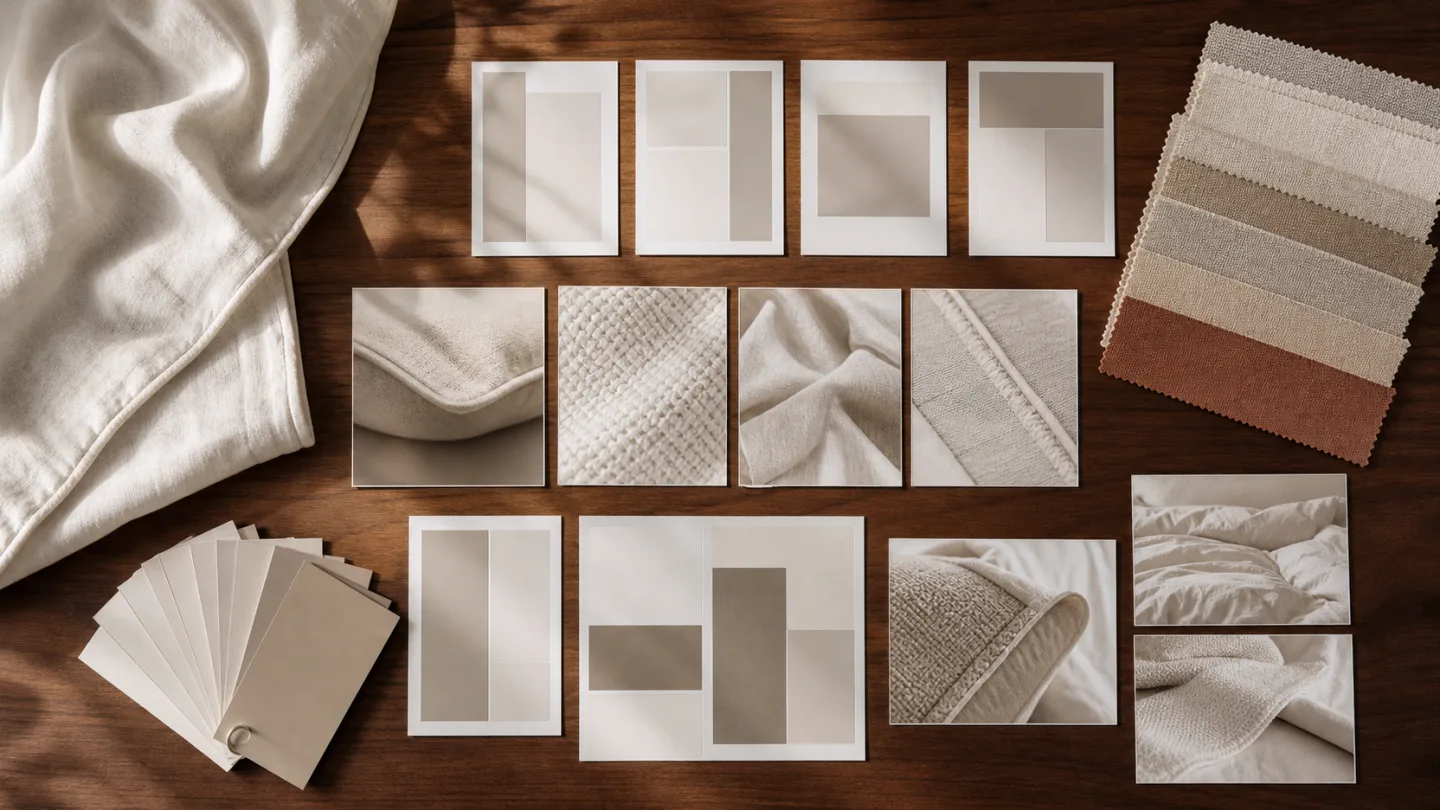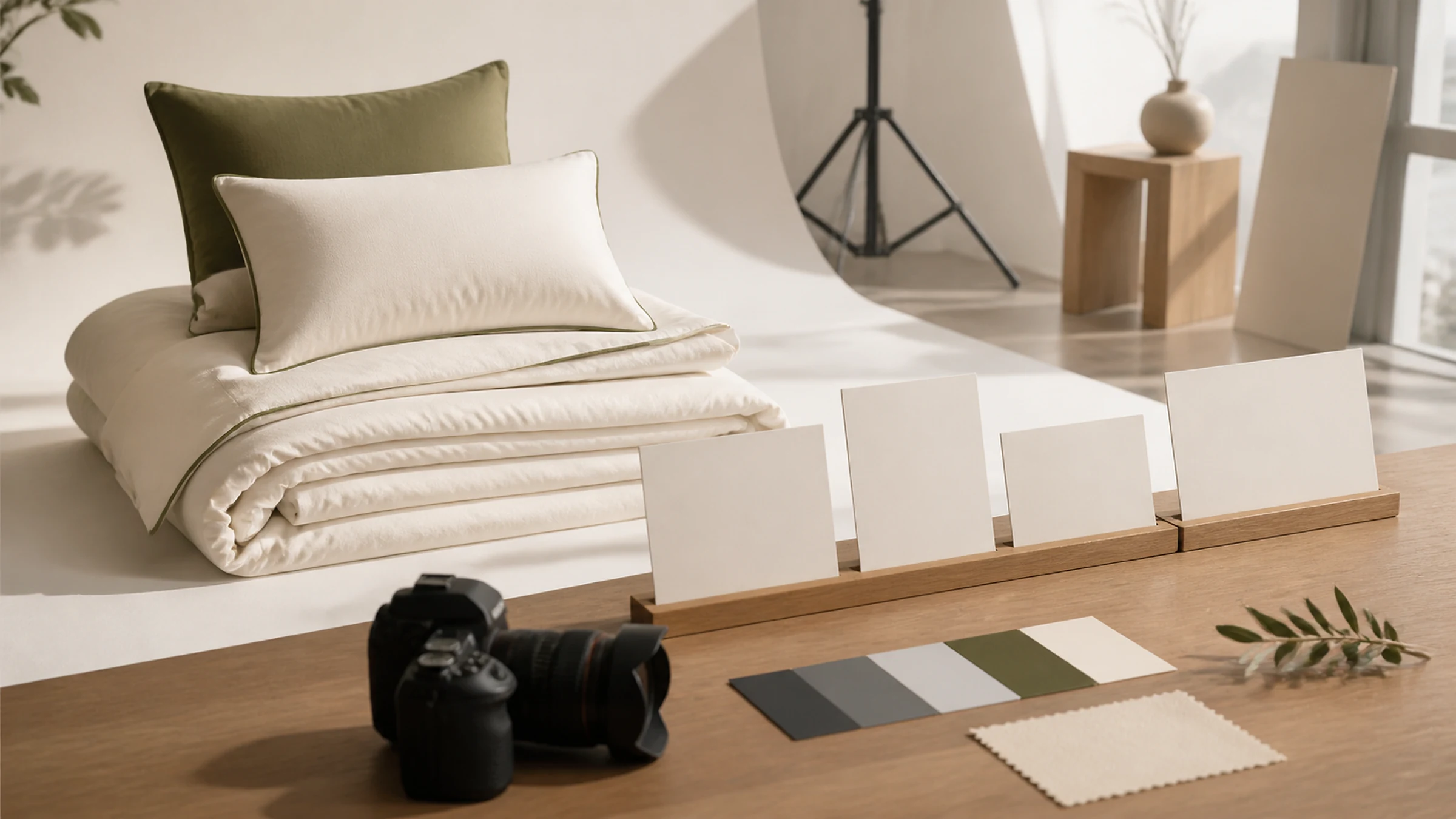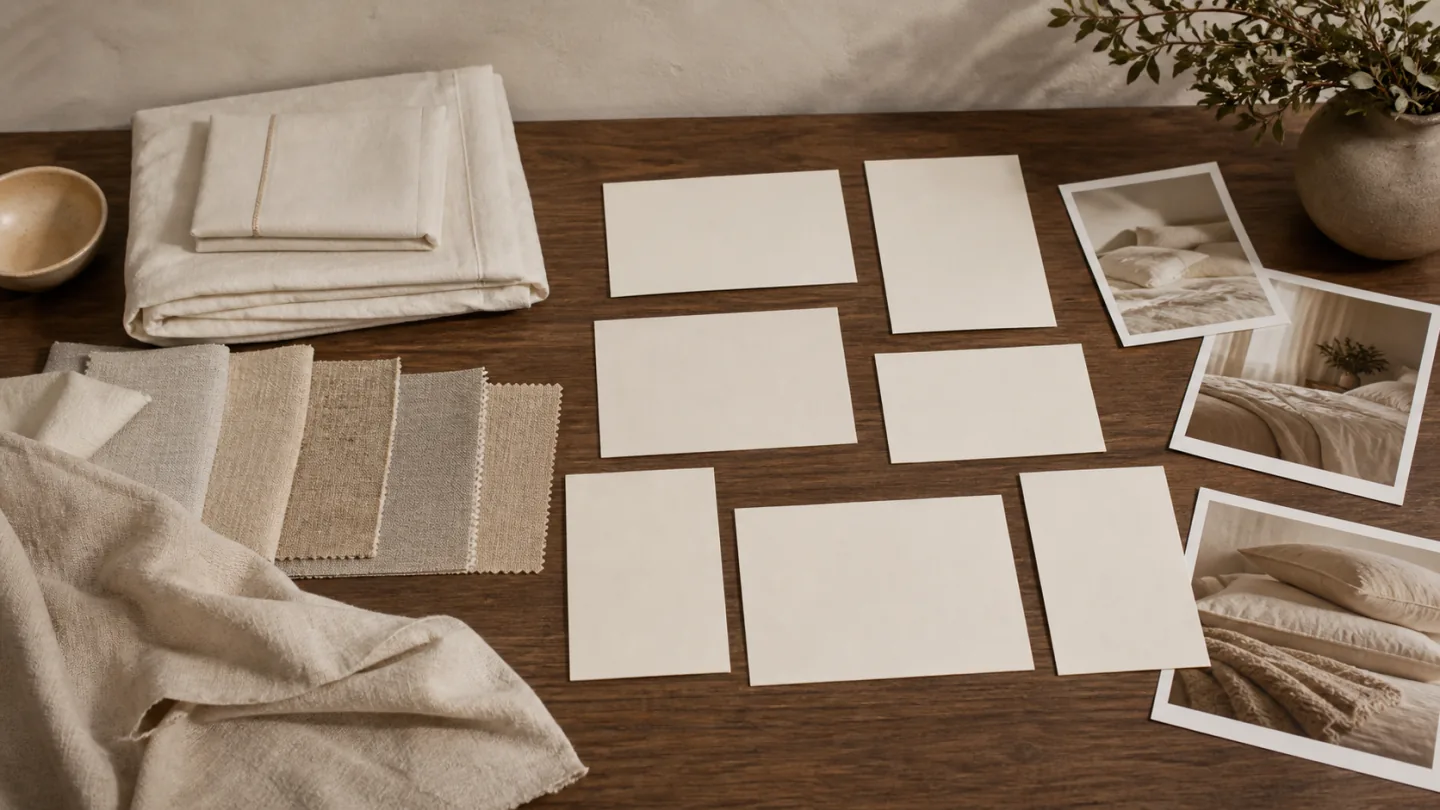
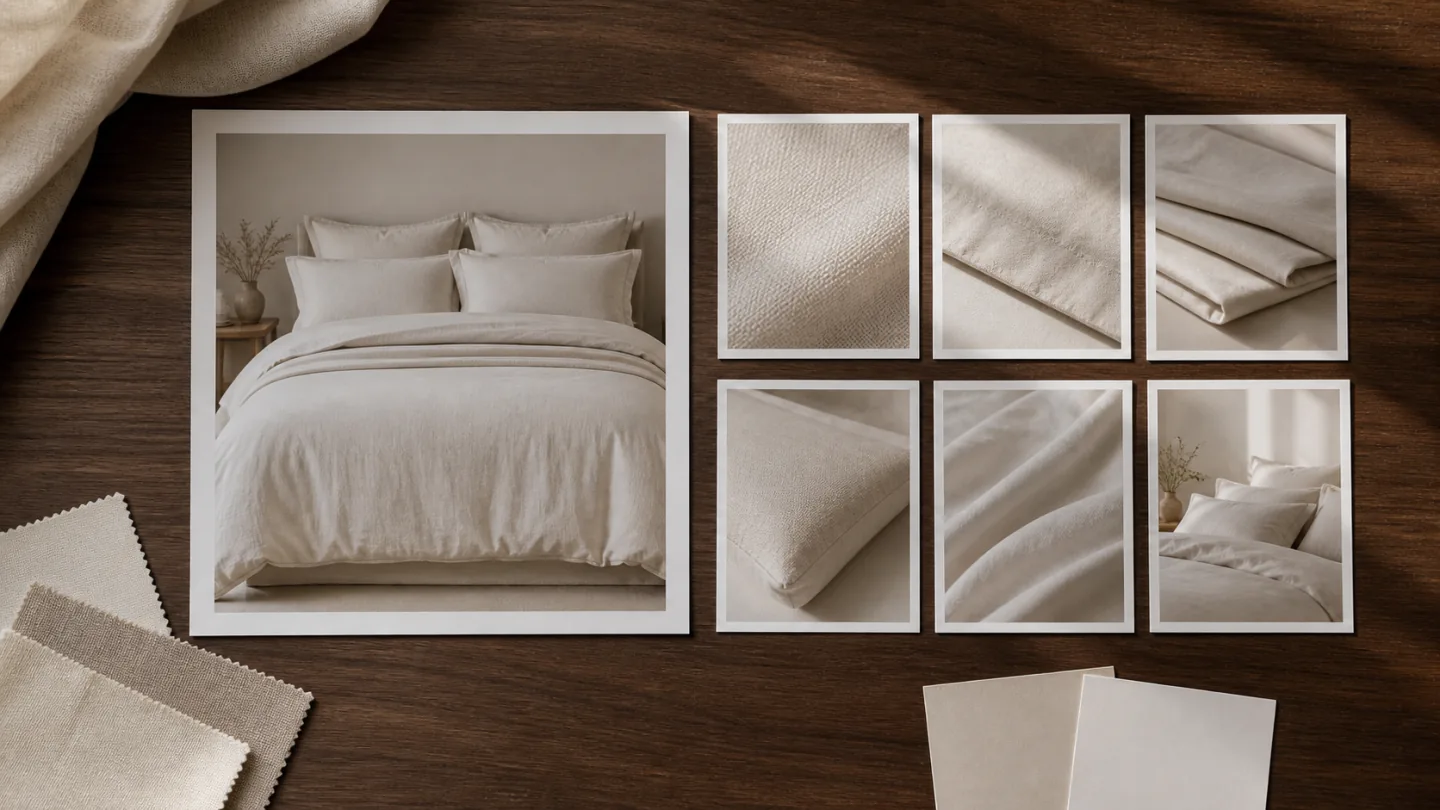
Main images appear in product lists, search results and listing entry points, where recognition needs to happen quickly. Product-page images give the buyer space to examine the questions that remain.
Before counting images, specify the location, question and aspect ratio for each. Confirm current image, text and page requirements with the brand and the relevant publishing account.
Give recognition and explanation different compositions
The main image establishes what is being sold and what it looks like, using a clear subject, silhouette and visible distinction. Product-page images can expand on the complete product, room setting, texture, construction, components and specifications.
Keep colors, lighting direction and brand character connected, then adapt framing, camera distance and information density to each placement.
- Main image: immediate product recognition
- Main image: pattern and outline remain clear at thumbnail size
- Product page: information unfolds in a useful order
- Product page: scenes, details, components and specifications each have a job
- Both: consistent color, style codes and approved product facts
- Both: room for text and required crops
Make the main image easy to understand at a small size
Bedding sets need clear pattern and component relationships. Duvets, pillow inserts and cooling mats may need stronger emphasis on shape, visible depth, construction or use. Backgrounds, props and people should support the first task: recognition.
Reduce the image to its actual list-view size. If a prop attracts more attention than the product, an edge disappears into the background or a key component is cropped away, the image may fail at its entry-point role.
Background, text, ratio and extra-element requirements vary by platform and can change. A general photography guide is not a current platform specification.
Use the product page to answer specific questions
Each image should answer something: how does the textile look in a room, what is included, what is the surface like, where is a construction detail, how does the pattern continue, or which information needs a diagram? Not every frame needs a sales slogan.
Scenes explain use, full views explain appearance and components, and close-ups explain texture and construction. Specifications, functions and material claims still require approved product facts; a photograph does not replace testing or instructions.
- Opening product or collection image
- Complete product and standard arrangement
- Room scene and use
- Texture, sheen and drape
- Embroidery, jacquard, stitching and binding
- Components, colors and patterns
- Packaging and specification assets
- Landscape, portrait and text-safe versions
Plan genuinely shared shots instead of forced crops
Preparation, palette and some captures can serve both main and detail images. A full scene may yield a useful listing composition, but the two placements need different subject scale, empty space and detail.
Mark each shot as main-image only, product-page only or shared. A shared shot means that position, margins, text space and readability were considered during capture, not that a landscape image will be cropped into every ratio afterward.
Work backward from a simple page map
Sketch a page without design decoration and give each position one task. References help explain the aesthetic, while the page map shows which assets the actual product lacks.
For multiple colors, identify what must be shot separately and whether a representative color can explain any common structure. Match style codes, color names and components to the sample inventory.
- Placement and intended use
- The product question to answer
- Style, color and component
- Shot size, ratio and text-safe area
- Whether each color or style needs capture
- Main, detail or shared use
- Required product facts, props and layout information
- Who verifies product and page content
Review the entry image and the information sequence separately
Review recognition, thumbnail clarity, color relationships, edges and crops for the main image. Read the product page in order to find repetition, missing answers, mismatched details and insufficient text space.
Then check filenames, product codes, colors, ratios and versions. Agree image count, page length, adaptations, revisions and delivered files for the project; the checklist does not define fixed inclusions.
Ask the publishing team to preview the sequence after selecting each intended color or size, not only on the default product state. A correct gallery can become misleading if a blue option retains a white product image or a set option inherits the single-item contents graphic. Mark each visual as variant-specific, shared with approval or excluded from that state. If the storefront cannot switch an important image as intended, the site team must resolve the mapping or the brand must choose an accurate shared treatment before release. This is a visual handoff requirement; website configuration and store administration are separate from the photography scope.
Put this guide into a production plan
Confirm the actual scope from your samples, channels and accuracy requirements; these services are not automatically bundled.