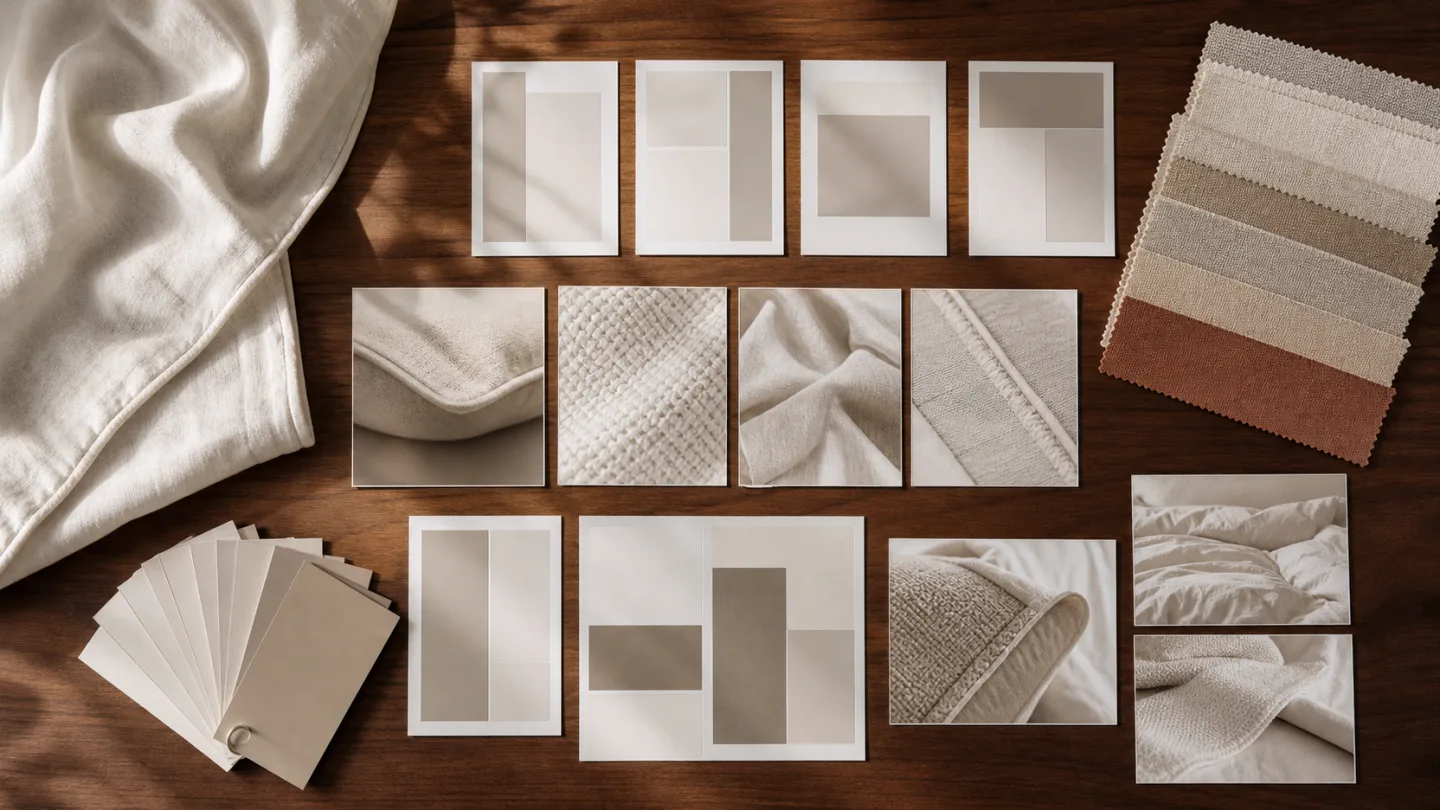

For China-market Douyin Shop, plan main product images, white-background images, vertical display views and detail images as distinct tasks. One shoot may supply all four, but repeatedly cropping a square master will not suit every placement.
Required ratios, counts, text treatments and file specifications can vary by category, interface and rule version. The linked developer documents describe particular integrations; confirm the requirements in your actual merchant publishing interface before export.
Organize the required image groups
A main image identifies the product in a list or first screen. A white-background view clarifies its outline and included pieces. A vertical image reorganizes the product within a taller frame. Detail images explain scene, material, construction, components and dimensions.
Reuse a photograph only where the crop keeps the product complete, accurate in color and clear about included pieces. Label each image's primary purpose in the shooting brief.
| Image type | Main purpose | Photography priority | What to verify |
|---|---|---|---|
| Main product image | Help shoppers identify the product | Complete subject, readable pattern and clear set contents | Current category and publishing-interface requirements |
| White-background image | Show outline, color and components | Clear edges, background separation and accurate product appearance | Scope of any interface-specific requirement |
| Vertical 3:4 display image | Serve a vertical product placement | Rearranged subject height and space above and below | The composition works without cutting a square image blindly |
| Detail image | Explain setting, material, construction and dimensions | One main information task per image | Specifications and claims come from approved product records |
- Main product image
- White-background image
- Vertical 3:4 display view, if required
- Lifestyle or room scene
- Material and construction details
- Included-component view
- Background for size information
- Color and SKU mapping
Make the main image explain what is being sold
Show the product category, main components, pattern and color with a complete readable subject. Props and text should not hide useful details or look like items included in the set.
For bedding sets, prioritize pattern and component relationships. Duvet inserts need shape and arrangement; pillow inserts need a clear outline and edge. Choose framing by product rather than forcing every category into one visual formula.
Preserve product facts on a white background
Background removal alone does not create a useful product image. Control lighting, edges, folds and component placement so pale products remain distinct from white, and darker products retain their actual color and texture.
The linked instant-retail integration document discusses a white-background image field in a particular business context. Do not extend that field guidance into a permanent requirement or search rule for every textile category.
- Complete product edges
- Separation between pale textiles and the background
- Clear count of included pieces
- Props distinguishable from sale contents
- Color reviewed against the approved sample
- No invented components added through compositing
Recompose for a vertical display
A 3:4 view may require a different arrangement of product height, components and negative space. Cropping a square image can remove pillowcases, a bed edge, packaging or pattern. Adding blank space alone may not produce a useful composition.
The linked error-code reference contains ratio checks for different image fields, including square white-background and 3:4 display images. Treat these as interface-specific validations and confirm which fields apply to the actual shop and category.
Choose the views each textile category needs
Bedding sets need pattern, component counts, the pillowcase-to-cover relationship and fabric details. Duvet inserts need shape, loft, quilting and edges. Pillow inserts need front and side profiles, height, fabric and binding.
Pictures describe what is visible. Filling composition, weight, dimensions, test results, performance and care information must come from approved product records, not an inference by the photographer or an AI image.
- Bedding sets: pattern and included pieces
- Bedding sets: complete arrangement
- Duvet inserts: outline and quilting
- Duvet inserts: edge construction
- Pillow inserts: profiles and height
- Pillow inserts: binding and fabric close-ups
Keep detail images and variants consistent
Arrange detail images around the buyer's questions: setting, full view, fabric, finish, components, dimensions and use. One main information task per image leaves room for a clear product view and readable layout.
For colors, patterns and SKUs, keep camera position, scale, background, lighting and naming consistent. Still check each sample individually. Identify where shared scenes apply so one product's details are not assigned to another.
- Correct SKU-to-color mapping
- Consistent scale across the group
- Declared scope for shared images
- Details matched to the correct product
- Filenames include purpose and version
- Approved specifications managed separately
Check product facts, files and interface requirements before upload
Review the product layer for SKU, color, components and claims; the file layer for ratio, format, naming and clarity; and the platform layer for the current category, image fields, text and review notices.
Some linked integration guidance includes image-count checks for a particular instant-retail workflow. These numbers should not be treated as permanent rules for every merchant interface or textile product, and do not establish a ranking or sales outcome.
- Correct shop and product category
- Current image-field requirements checked
- Ratio and file format match the publishing interface
- Correct SKU, color and component count
- Approved basis for specifications and claims
- AI or composites preserve product facts
- Published crop and clarity checked again
Sources and further reading
These sources provide context for the claims or channel requirements discussed here. Review current requirements alongside your product information and project agreement.
- Douyin Shop Open Platform: Instant Retail Integration Guide ↗China-market integration reference for image validation, uploads and white-background fields in a specific workflow. Merchant-interface and category requirements may differ.
- Douyin Shop Open Platform: Product Publication Error Codes ↗Technical reference containing image-field ratio validations. An error-code list is not a permanent specification for every product category.
- MIIT: E-Commerce Law of the People's Republic of China ↗China-market reference for accurate product information. Photography, crops, retouching and AI composites should preserve the facts of the product.