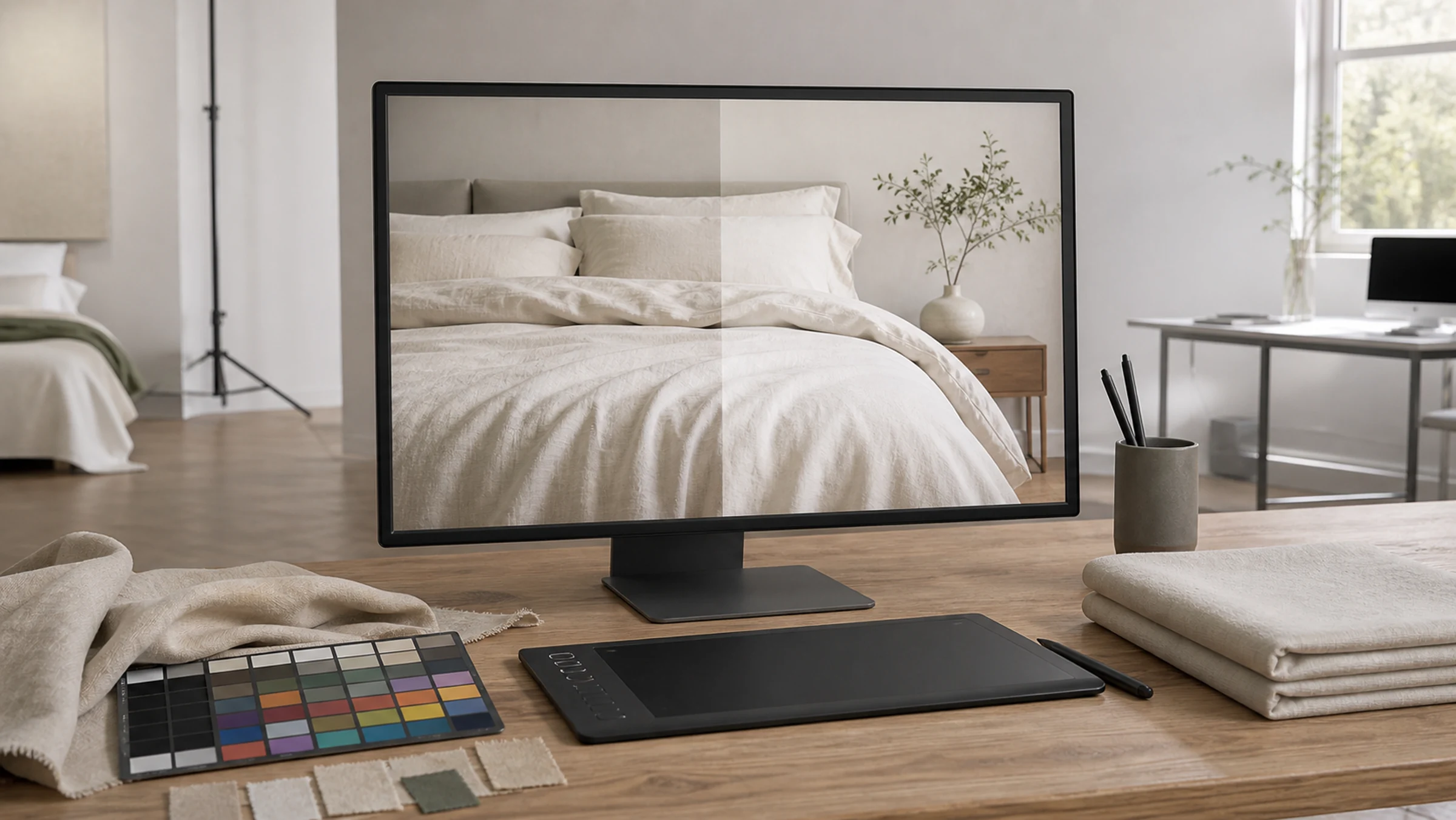

Check three things: whether each file shows the correct product, whether the image fulfills its task and whether the delivery list is complete. Choosing only the most attractive pictures can leave missing components, views or exports unnoticed.
Use the agreed product list, shot list and delivery scope as the review baseline. File counts, raw materials, formats and revision rounds vary by project.
Check the files against the product list
Build a review list by SKU, color, component and image task. Match full views, scenes, details, packaging and video versions to the original brief, including any recorded additions or cancellations.
Counting files confirms completeness, not usefulness. If several similar angles exist, check the purpose of each rather than relying on the total image count.
- SKU and color
- Components and packaging
- Full views and scenes
- Material and construction
- Aspect ratios
- Photos and video
- Initial and supplementary versions
- Recorded scope changes
Review color, pattern and texture against the sample
The physical sample, display, room light and destination output all affect color appearance. Use the agreed review conditions and approved test images to examine outlines, highlight detail, shadows and background color influence.
Pattern, seams, quilting, embroidery, edges and component relationships should be clear in the relevant views. Material, performance and specification claims still need approved product information.
Review crops at their actual display size
Check the thumbnail, page section, video cover or printed spread where the image will appear. Confirm product identification, text space and important edges at that size, not only in a full-screen preview.
Review each crop and text version separately even when they share a master. If a composition cannot support a required ratio, discuss a different layout or additional photography.
Check dimensions, naming and export versions
Filenames should identify SKU, color, image task and version. Review pixel dimensions, aspect ratio, format, color space and other agreed output requirements, separating masters from previews and channel exports.
Raw captures, editable layouts and video project files are separate deliverables. Their inclusion and permitted uses follow the project agreement, not an assumption that every intermediate file is supplied.
- Traceable filenames
- Pixel dimensions and aspect ratio
- File format
- Masters and channel exports
- Text and text-free versions
- Captioned and uncaptioned versions
- Folder organization
- Agreed editable-file scope
Make correction requests specific
Give the filename, image location, issue and expected change: for example, SKU-A-main-02, right pillowcase edge cropped, retain the full edge. Broad comments about quality or color need a more precise reference before they can become an editing task.
Use one person to consolidate corrections, aesthetic changes and new work. After revision, recheck related crops and collection images so the same change is carried through consistently.
Sources and further reading
These sources provide context for the claims or channel requirements discussed here. Review current requirements alongside your product information and project agreement.
- MIIT: E-Commerce Law of the People's Republic of China ↗China-market context: Article 17 concerns accurate product information. Image review should confirm that visuals remain consistent with the approved product facts.
- SAMR: Advertising Law of the People's Republic of China ↗China-market context: Article 8 addresses clear and accurate product descriptions. Images do not establish unverified specifications or performance claims.